3. Step-by-Step: How to Get into the ADRF for the first time
Follow these steps to complete your required onboarding and gain access to your project workspace:
Step 1: Account Registration
You will receive an email invitation to activate your account. - The email will come from http://okta.com, so please make sure that it doesn’t get caught in your email spam filter. - Follow the steps outlined in the email to set up your password and your multi-factor authentication preferences.
Step 2: Log into PASS Portal
After activating your account, you will be logged in to the ADRF Applications page.
To access the PASS Portal, log in using your credentials at https://adrf.okta.com and click on the PASS Portal icon:
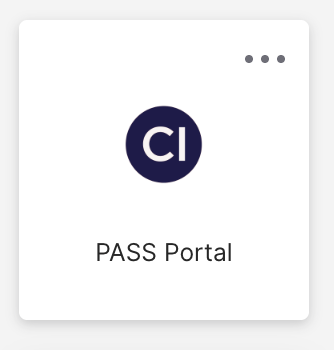
Proceed to the PASS Portal by clicking on the icon.
Step 3: Complete the ADRF Onboarding Tasks
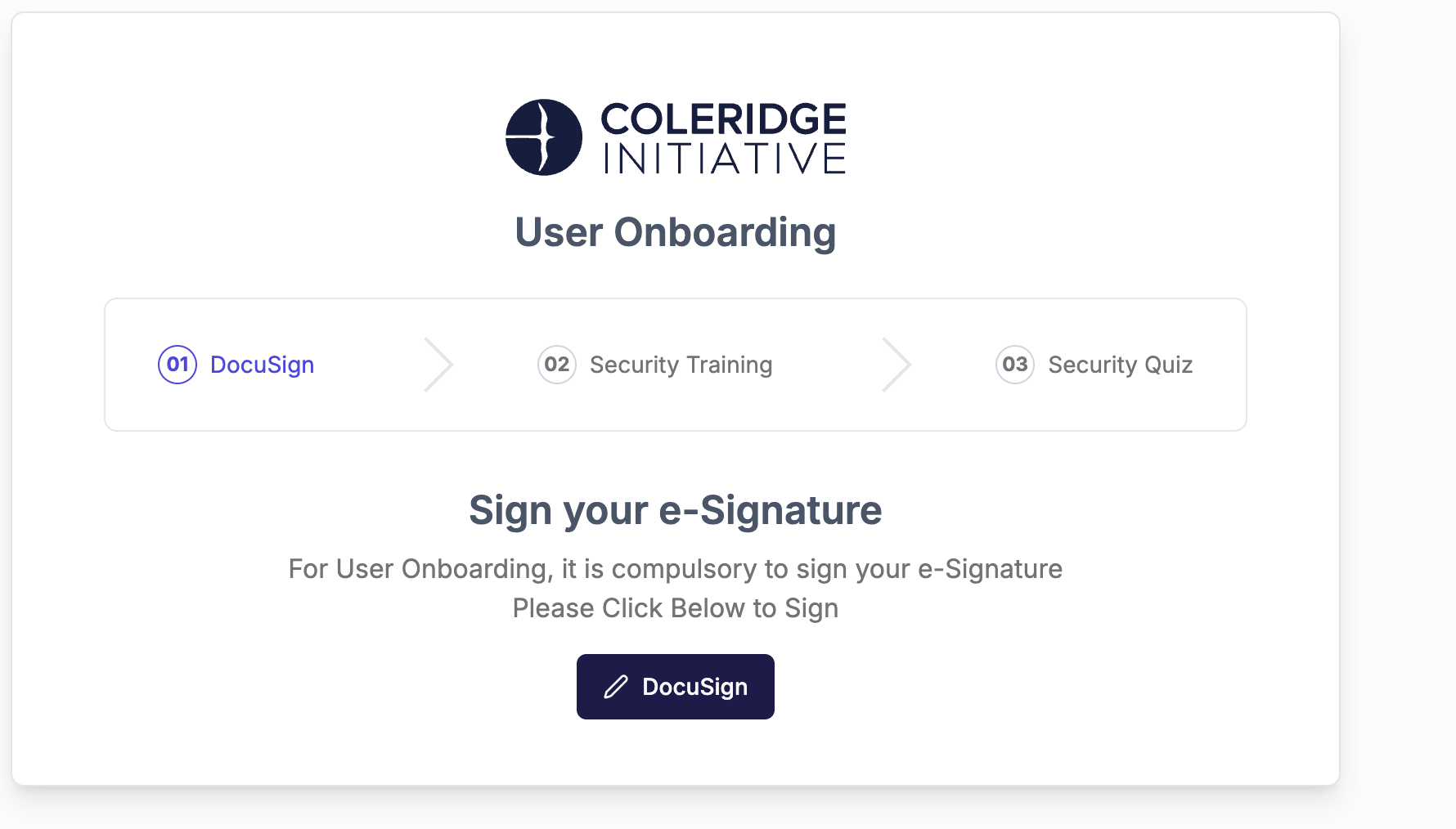
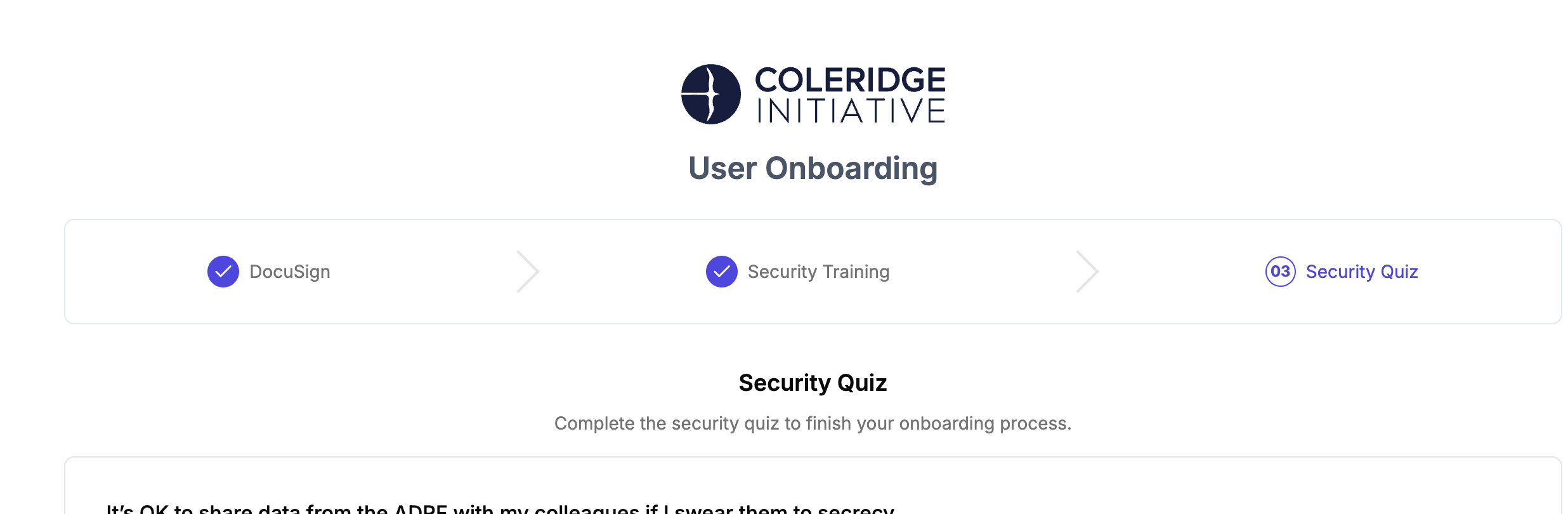
Before gaining access to your project workspace, you will have to complete 3 onboarding tasks: 1. Agree to the ADRF Terms of Use 2. Watch the ADRF Security Training video 3. Successfully complete the ADRF Security Training Quiz
The PASS Portal application will track your ADRF usage.
Accessing the Onboarding Tasks
Follow the steps below to access the ADRF Onboarding Tasks:
1. Log in to the PASS Portal
2. Once open, the onboarding tasks will appear and then click on “DocuSign”:
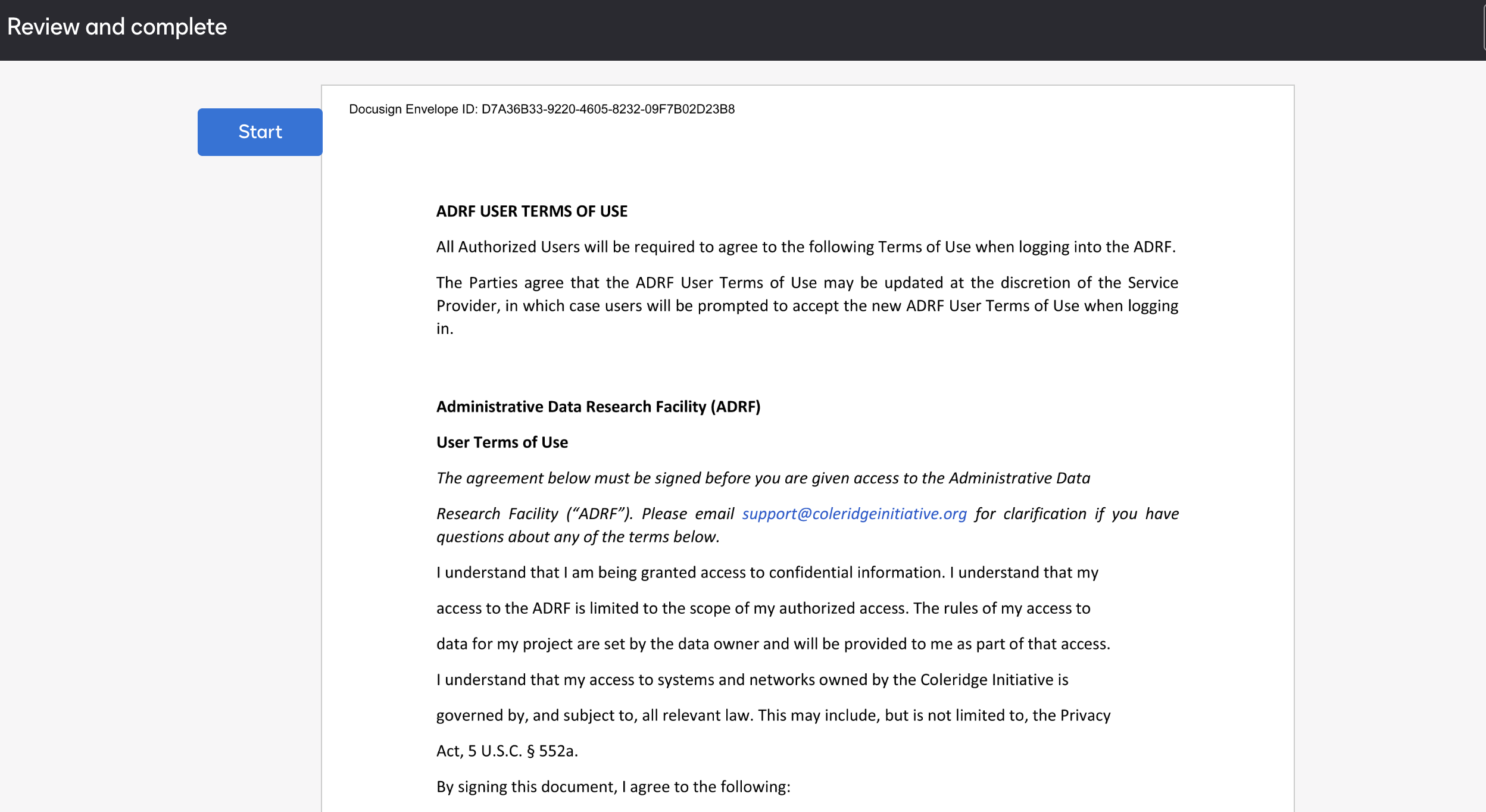
3. This will load a document to sign:
4. Once signed, this will load the Security Training Video.
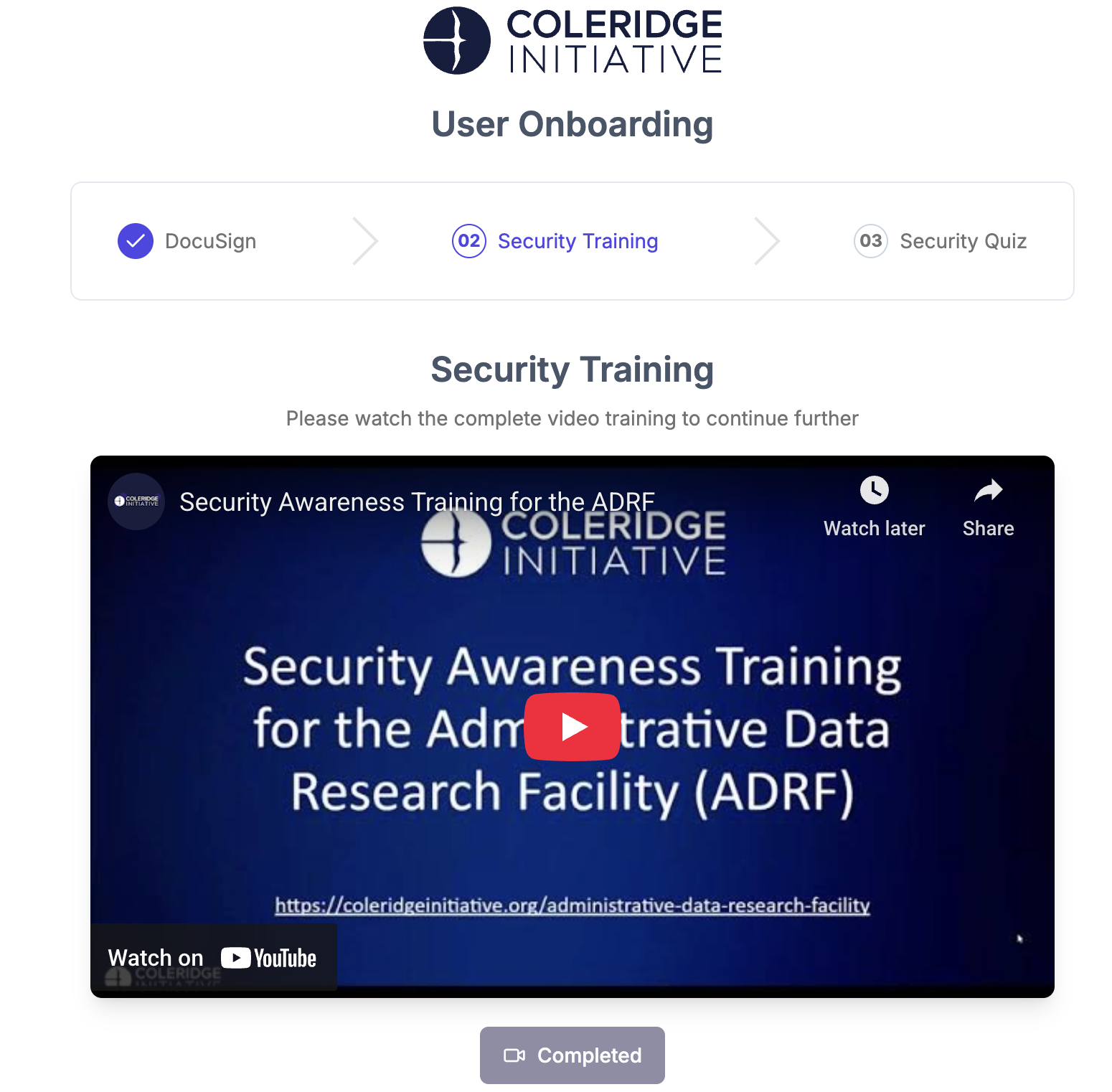
5. Once finished, the Completed icon will illuminate. The final task is the security quiz:
Step 5: Final Access
Once all three onboarding tasks and required data access agreements are complete, your access to the secure ADRF project workspace will be granted.
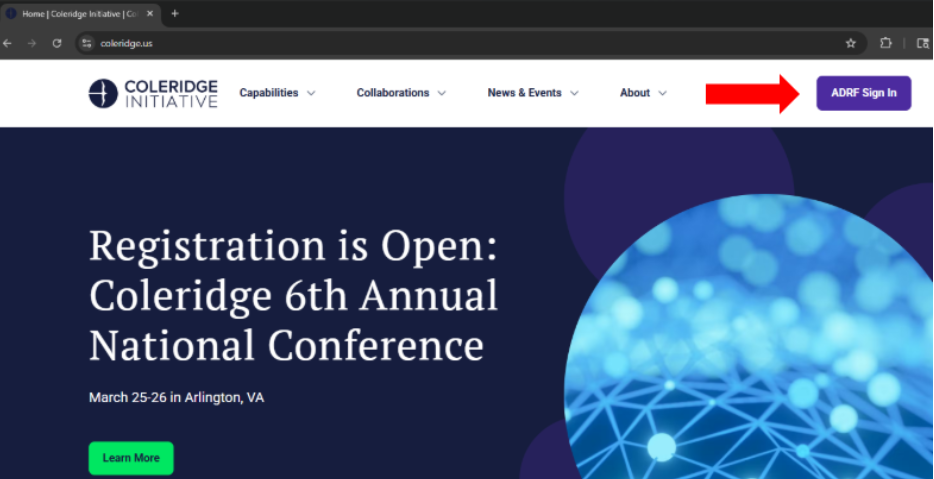
Note: Users can access the ADRF by going to the Coleridge website and clicking on the “ADRF Sign In” button in the upper right hand corner.
Support
Need help?
Email: support@coleridge.us
Hours: Monday-Friday, 9 AM - 5 PM ET